
Bring any image to life — in seconds.
Upload a still, describe the motion, and Image to Clip animates it into a cinematic 1080p clip. No editing skills, no timeline, no subscription.
Start from a template
Pick a starting image and motion prompt, or upload your own. One click to start animating.

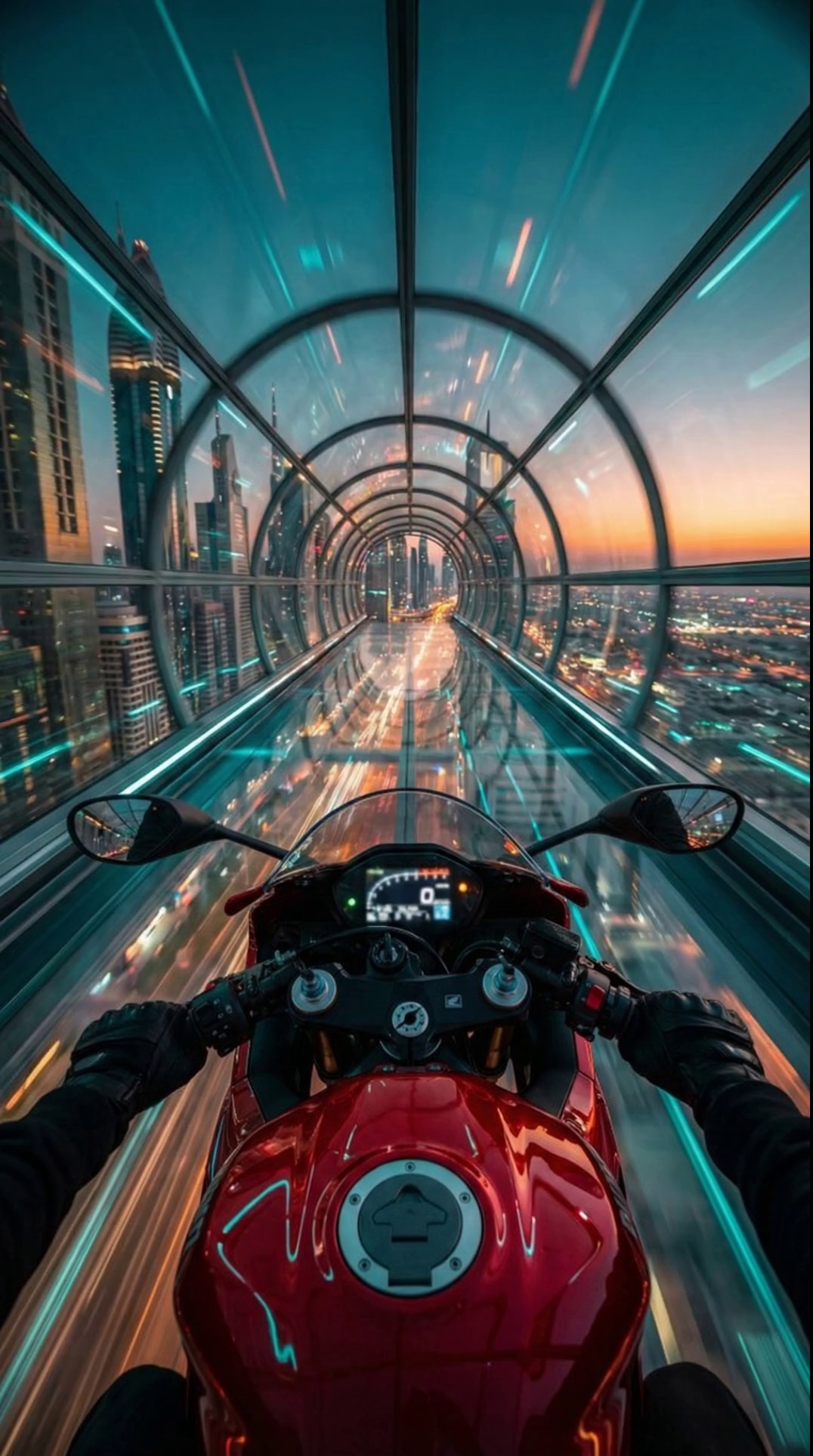
Cyber Rider
8s · 1080p

Manga Pup
5s · 1080p

Sunset Jetty
8s · 1080p
How it works
Three steps to turn a still image into a high quality 1080p clip.
Pick or upload an image
Start from a template or drop in your own JPEG, PNG, BMP, or WebP. 10MB max, any aspect ratio between 1:2.5 and 2.5:1.
Describe the motion
Tell us what should move — camera, atmosphere, the subject. Tweak duration and resolution. Plain English is enough.
Download & share
We render your clip in seconds and store it privately to your account. Download the MP4, share it anywhere.
Why Image to Clip
Built for creators who want control over the motion, not just a one-click preset.
Up to 1080p output
Generate crisp 1080p clips up to 15 seconds, with full motion-prompt control over camera, atmosphere, and subject behavior.
Pay as you go
No subscriptions. Only pay for what you generate. Top up your credits any time and they never expire.
Your uploads stay private
Source images and generated videos are stored securely and tied to your account only. No public gallery, no sharing without your consent.
Failed jobs auto-refund
If a generation fails, the credits used for that job are returned automatically — you only pay for clips that finish successfully.
Frequently asked questions
Everything you need to know before you generate.
Is Image to Clip free to use?
Yes — new users get 12 starter credits to try it out. After that you buy credit packs as needed, no subscription required.
How much does each video cost?
Credits are charged per output second. 720p uses 2 credits/sec and 1080p uses 4 credits/sec, on clips between 3 and 15 seconds.
What image formats are supported?
Upload JPEG, PNG, BMP, or WebP up to 10 MB. Images need to be at least 300px on each side, with an aspect ratio between 1:2.5 and 2.5:1.
How long does generation take?
Most clips finish in under a minute. Longer 1080p clips can take a couple of minutes during peak load.
What happens if my generation fails?
Failed generations are marked in your video history and the credits for that job are refunded automatically.
Are my uploads private?
Yes. Source images and outputs are stored securely against your account. Nothing is shared publicly without your consent.
Still have questions?
Contact supportSimple credit pricing
Buy credits once and generate when you need them. 720p uses 2 credits/sec, 1080p uses 4 credits/sec.
Try It
Try image-to-video
20 credits · $0.15/credit
- 3-15 second videos
- 720p or 1080p output
- Failed jobs auto-refund
- No monthly commitment
Creator
For regular clips
50 credits · $0.12/credit
- 3-15 second videos
- 720p or 1080p output
- Failed jobs auto-refund
- No monthly commitment
- Save 20%
Studio
For batches and tests
100 credits · $0.10/credit
- 3-15 second videos
- 720p or 1080p output
- Failed jobs auto-refund
- No monthly commitment
- Save 33%
Agency
Best value
500 credits · $0.08/credit
- 3-15 second videos
- 720p or 1080p output
- Failed jobs auto-refund
- No monthly commitment
- Save 47%
Ready to bring your image to life?
12 free credits included on signup. No card required for your first clip.
Start generating